Nobody Wants Your App
Most apps fail not because they're built wrong — but because the data behind them was never designed to answer the questions people eventually ask. Here's how to get ahead of that before you build a single screen.
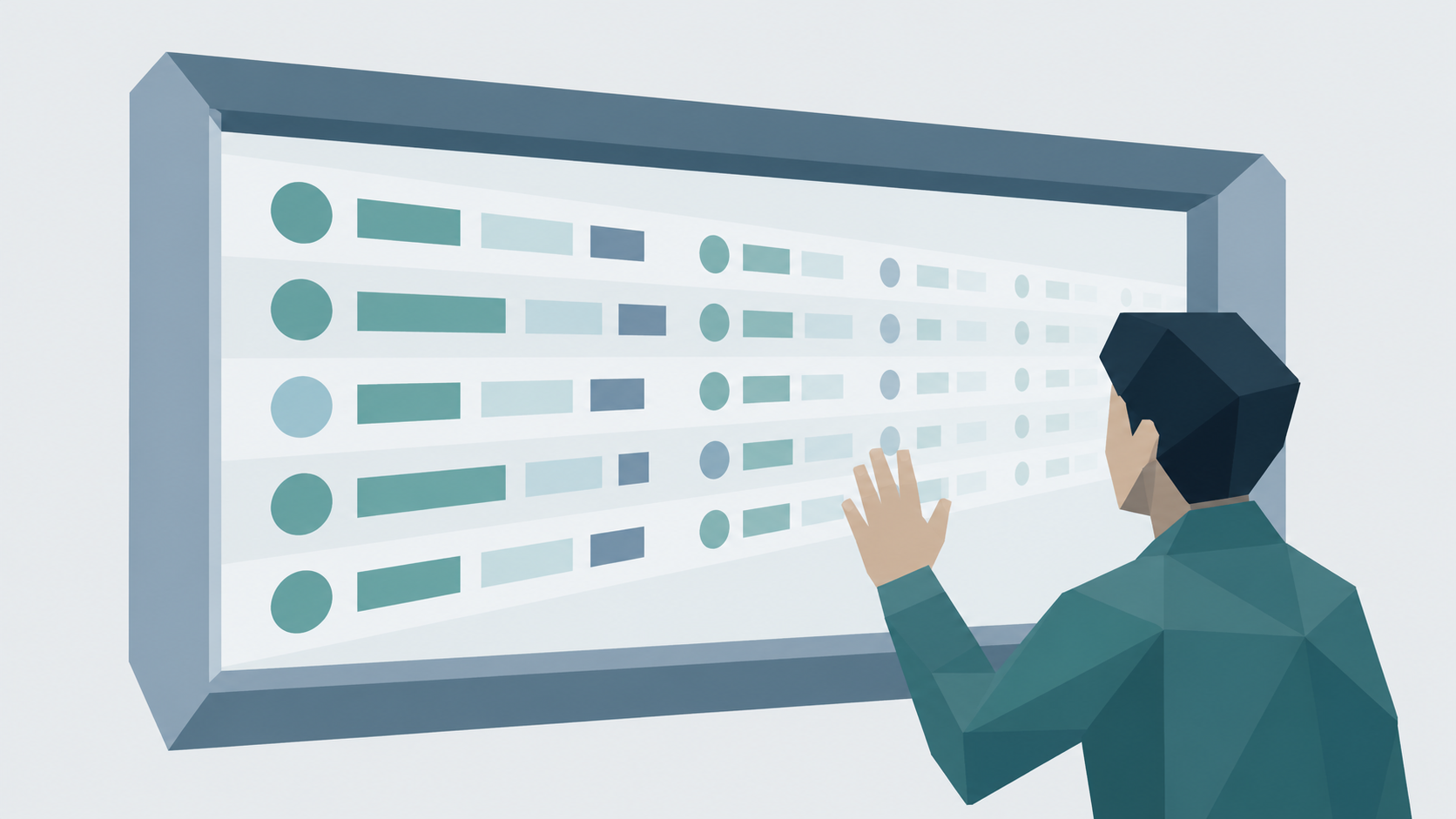
Most apps are built for right now. Almost every stakeholder will eventually want to look back.
Here's a scenario I want you to think about.
You built an app. It works. People are using it. Your boss is happy. Then six months go by — maybe a year — and somebody sends you a message: "Hey, can you pull a report showing how our inventory has changed since last year?"
And you freeze.
Not because the app broke. Not because you did anything wrong. The app works fine. But in that moment, you realize you can't answer the question. The data isn't there.
And it never was.
That's not a technical failure. That's a data modeling failure. And it happened before you wrote a single line of code.
Nobody wants your app.
Here's something that might take a minute to internalize—but once you do, it'll change how you approach everything you build.
Nobody wants your app.
I mean that. Your director doesn't want it. Your coordinator doesn't want it. What they want is answers. What they want is data — either to put it somewhere, or to get it back out. The app is just a window. Data is what's on the other side of it.
Think about Twitter. Nobody wakes up thinking "I really want to use Twitter today." They want to see what's happening with the people they follow. Twitter is just the window.
The moment you understand that, you start asking completely different questions before you build anything. Not "what should this app look like?" but "what data does this person actually need?"
That question alone will save you hours of building the wrong thing.
There are two types of data.
Once you've answered that — once you know what data you're collecting and what people want to see — there's a second question. And most people never ask it.
There are really two types of data in any application.
The first is live, or transactional, data. This is what's true right now. How much inventory do you have today? Who's assigned to what? What's currently outstanding? Applications run beautifully on live data.
The second is historical data — what was true at the time.
Here's where it breaks. Almost every stakeholder will, at some point, want to look back. They'll ask what happened last quarter, how something trended over the past year, what changed, and when. And if all you've been capturing is live data — if you've been updating the same records over and over — you have nothing to show them.
You didn't just capture the present. You silently erased the past.
Here’s the trap nobody warns you about.
Now I want to talk about something that trips people up even after they've been doing this for a while.
In tools like Dataverse and SharePoint, there's something called a lookup column. And lookup columns are genuinely useful. Instead of typing "Downtown Office" into every record, you point to an office record in another table. That record can hold the office name, the location, the manager — everything. Your records inherit all of that automatically. It's clean. It's efficient. There's even a coding principle for it: don't repeat yourself.
It's great — until history matters.
Here's the trap. A lookup column doesn't store a value. It stores a pointer — a live connection to another record. So if anything about that office changes — the name, the location, the manager — every single record pointing to it is silently updated. The past rewrites itself, and nobody gets a notification. Nobody sees a warning. It just changes.
Let me make that concrete.
Say you have a coordinator at Branch A. She submits inventory records every week for two years. Then she transfers to Branch B. You go back and look at her records two years later — and every single one of them shows Branch B. Because the lookup column is pointing to her current record, and her current record says Branch B.
But that's not what happened.
Lookup columns are great for live, transactional data. But they're not always the right tool when you need to trust your history.
What do you do instead?
You snapshot your truth.
When someone submits a record — especially one you think you might want to report on later — you don't just update the transactional record. You also create a brand-new row in a separate table. A historical record. And in that record, you don't use lookup columns. You store primitive values — plain text, numbers — the office name as it is right now, the manager as they are right now, the quantity as it stands right now. Frozen. Unchangeable. A record of exactly what was true at that moment.
Think of it this way. A snapshot is like a photograph — it captures exactly what was true at that moment. Frozen. Unchangeable. No matter what happens after, the photograph doesn't update.
Both are useful. But only one can tell you what actually happened.
You don't need to snapshot everything — just the fields someone might want to report on later.
In enterprise architecture, this pattern has a name: an audit table. You don't need to know that to build one. But now you do.
Worth knowing: both Dataverse and SharePoint have built-in mechanisms for tracking changes. Dataverse auditing can be enabled at the table and column level — it's a legitimate enterprise feature. SharePoint lists maintain version history on every item. So, a seasoned developer might reasonably ask: why build your own snapshot table if the platform already tracks changes?
Fair question. Here's the answer. Those built-in tools are designed for compliance and data recovery — not reporting. Getting at Dataverse audit data requires querying it through the Web API or .NET SDK. SharePoint's version history isn't structured in a way that a Power App or a simple Power Automate flow can easily read and report on. For an experienced developer, those options are on the table. For most people building their first app, a simple snapshot table you control — written to at submission time, queryable like any other Dataverse or SharePoint table — is faster to build, easier to report on, and doesn't depend on admin-level configuration or code.
Know the tools exist. Build the one you can actually use.
Ask these before you start building.
So, here's what I want you to walk away with. Two questions. Ask them before you touch the tool.
First, what does this app need to show and collect right now? This shapes your live, transactional data. The stuff that powers the application day to day.
Second, what will someone want to look back on in a month, six months, a year, or two? This shapes your historical data. The stuff that answers the hard questions later.
Those two questions will define your entire data model. And honestly, they'll often reveal something important — that what your stakeholder asked you to build and what they actually need are two different things. It's your job to close that gap.
Because remember — nobody wants your app. They want the data. But they don't always know how to say that. They know what an app looks like. They can picture it. But they get so focused on the interface that they lose sight of the data underneath it.
As a low-code developer — especially if you're the only person doing this — you're going to have to serve both roles. You're the developer and the data architect. And it's easy to get locked into making something look good and forget that no sound data model is backing it up.
Most complex things are only complex because of the words we use to describe them.
Data modeling can sound intimidating. And at the enterprise level, it can genuinely get complex. But for what most of us are building day to day, it doesn't have to be.
Here's the truth — and it's something I really believe.
Most complex things are only complex because of the words we use to describe them.
Strip it all away and here's what data modeling actually is: deciding what you need to see right now, and what you need to be able to look back on later. That's it.
That could be as little as one table — lean, live, updated in place — to power your app. And a second table where you're writing a new record every time something happens, capturing the truth of that moment for anyone who needs to look back someday.
Your app barely touches that second table. Maybe it writes to it on submission. That's it. But that table is what makes you look like you knew what you were doing all along.
Ask the two questions. Have the conversation — not just about what the app should look like, but about what your stakeholder actually needs to get out of it. And build it right the first time.
If you're staring at a data model built for now, but that needs to answer questions about the past—or you want to get it right before you build—I'm occasionally available for small consulting engagements. Reach me at brandon@brandonwoz.com.