The View Model: The Mental Model Nobody Talks About (But Every Power Apps Developer Needs)
The Canvas vs. model-driven debate has the wrong answer because people are asking the wrong question. Once you understand the view model — and how named formulas bring it to life — the decision makes itself, and you'll finally know when to use collections and when to leave them alone.
If I had a dollar for every time someone asked me "When do I use a Canvas app versus a model-driven app?" — I'd have a lot of dollars.
It's one of the most common questions in the Power Platform world, and honestly, the reason it keeps coming up is because most of the answers out there focus on features. Canvas apps are flexible. Model-driven apps are structured. Canvas is great for mobile. Model-driven is great for Dataverse.
All of that is true. And none of it actually answers the question.
The real answer lives somewhere else entirely — in a concept called the view model. Once you understand it, the Canvas vs. model-driven question basically answers itself. And as a bonus, it also answers two other questions that low-code developers wrestle with constantly: When do I use a collection? When do I use named formulas?
Let's work through all of it together.
Start Here: Every App Has Two Layers
Before we get to Canvas vs. model-driven, we need to understand what an application actually is at its core.
Every application has a data model — the tables and relationships where your data actually lives. Think of something like a Customers table and an Accounts table. One customer can have many accounts. This kind of normalized structure is the foundation of most serious applications.
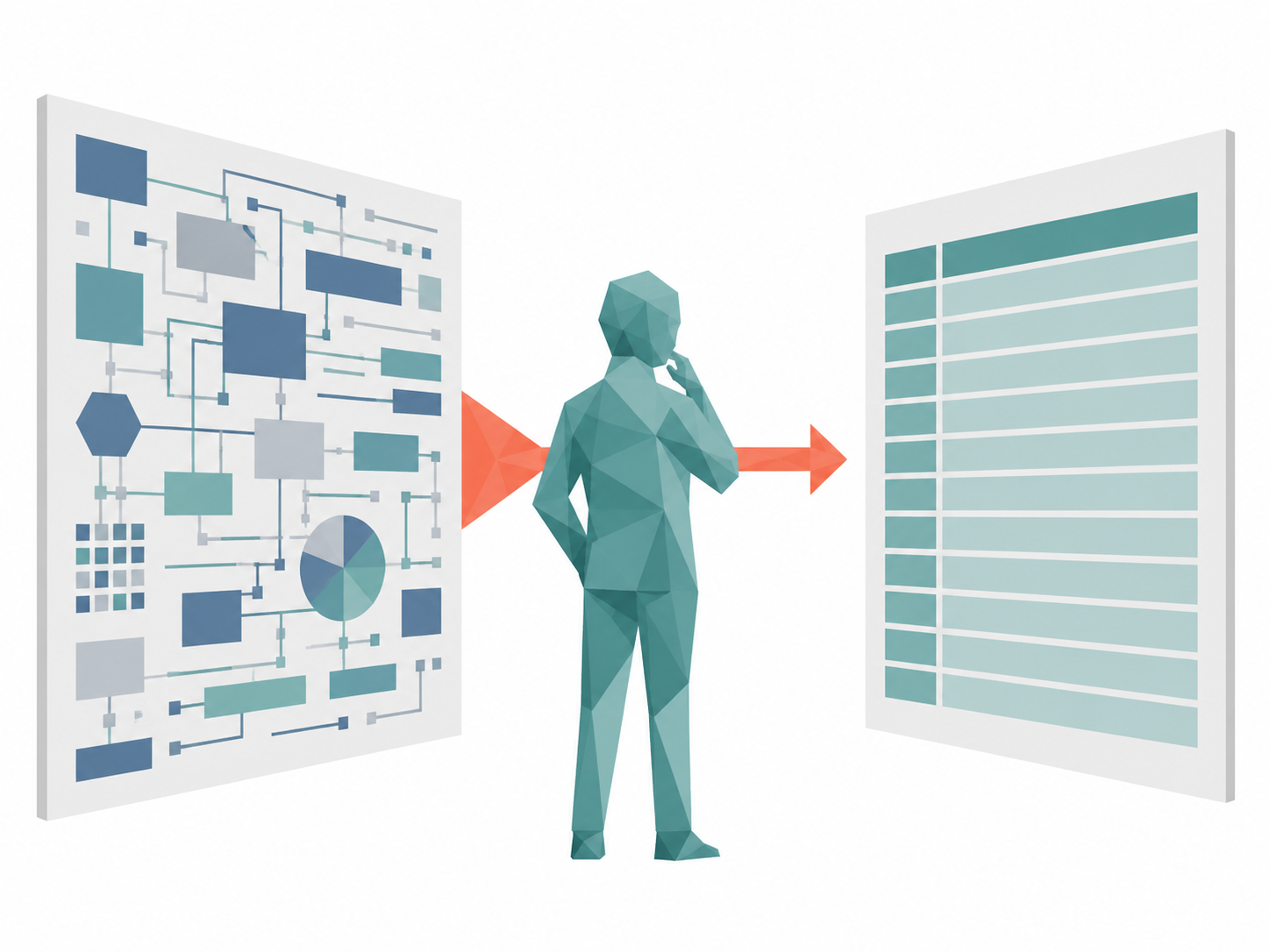
But the data model is just storage. The question an app has to answer is: how do we want to show that data to the user? That's your view model — a representation of your data that's shaped for the experience you're building.
Here's a simple way to think about it:
Data model = where your data lives.
View model = how your app sees it.
Those two things don't have to look the same. And the gap between them is exactly what drives the Canvas vs. model-driven decision.
Canvas vs. Model-Driven: Now the Answer Is Simple
A model-driven app gives you a view model that is essentially one-to-one with your data model. It takes your tables and relationships and surfaces them in a standardized way. You get a customer record, and the related accounts are listed right there on the page. Clean, structured, and consistent.
If that's enough — if the way your data is structured is close enough to the way you want to show it — a model-driven app is probably your answer. It's fast to build, easy to maintain, and it handles a lot of the heavy lifting for you.
But what if that's not enough?
What if you need to show the customer and their accounts in the same view, but formatted in a completely different way? What if you want to combine data from multiple tables into a single, streamlined experience that doesn't map neatly to any one table in your database?
That's when you reach for a Canvas app. You're building a custom view model — your own deliberate representation of the data, shaped exactly the way your app needs it.
That's the whole decision. Not "which one has more features." It's: is the default view model good enough, or do I need to build my own?
Inside Canvas: Your Next Fork in the Road
Okay, so you've decided you need a Canvas app and a custom view model. Now you face a new question: how do you actually build that view model?
You have three options: connect directly to the data source, use collections, or use named formulas. Most developers have used all three. Many are using them wrong.
Let's sort this out.
Option 1: Connect Directly to the Data Source
This one is exactly what it sounds like. Your galleries, forms, and patches talk directly to your Dataverse tables (or whatever your data source is). No local copies, no intermediary layers.
This is the right choice when your view model is simple and your data model is close enough to what you need. No translation layer required.
Option 2: Collections (And When NOT to Use Them)
Collections are in-memory, local state. They live on the user's device while the app is running.
Here's the thing most developers get wrong: collections are not a caching mechanism. They're not a way to speed things up by "loading your data locally." They have one job, and one job only:
Use collections when you need to make bulk updates — when a user is going to make multiple changes across multiple screens before anything gets written to the database.
Think of a scenario where a user edits a bunch of records, navigates between pages, and only hits Save at the very end. That's collections territory. You're staging changes locally, and then committing them all at once. The user gets a smooth, responsive experience. The database gets a single, clean write operation.
If that's not your scenario — if every change the user makes should just write to the database immediately — then don't use collections. You're not getting a performance benefit. You're getting a maintenance nightmare: now you're responsible for keeping your local collection in sync with the database every time something changes. Power Apps will actually warn you about this in the Health Monitor if you have a collection that's never being mutated. It knows.
Write directly to the database. Keep it simple.
Option 3: Named Formulas (The Sweet Spot)
This is where things get interesting — and honestly, where a lot of developers level up.
Named formulas are defined once and referenced anywhere in your app. They're computed locally, but — and this is the key part — they're reactive. When the underlying data changes, the named formula automatically updates to reflect it.
This is what makes them the perfect tool for building a custom view model without the headaches of collections.
Here's a concrete example. Say your data model has a Customers table and a separate Accounts table. In your Canvas app, you want to work with a single "Customers with Accounts" view — one clean object you can bind to galleries, pass to screens, and reference throughout the app.
With a named formula, you can do exactly that:
// Named Formula: EnrichedCustomers
AddColumns(
    Customers,
    "Accounts", Filter(Accounts, Accounts.CustomerID = Customers.ID)
)
Now EnrichedCustomers is available everywhere in your app. It's your customers table with an Accounts property baked right in. You don't have to query the Accounts table separately. You don't have to manually join anything on each screen. You just reference EnrichedCustomers and you're done.
And here's the best part: if someone patches a new account into the Accounts table, the named formula updates automatically. Because Accounts is a dependency of EnrichedCustomers, Power Apps knows to recalculate it. Your UI stays current without you having to do anything.
That's the view model in action — a clean, reactive layer between your raw data and your UI that makes building your app dramatically simpler.
The Decision Tree (Putting It All Together)
Let's bring it home with a simple decision flow:
1. Do I need a custom view of my data, or is a standard data model view sufficient?
- Sufficient → consider a model-driven app
- Need custom view → Canvas app, and keep going
2. Inside my Canvas app: will users make bulk changes before saving?
- Yes → build your view model with collections, stage changes locally, commit on save
- No → keep reading
3. Do I want a clean, reactive representation of my data throughout the app?
- Yes → named formulas are your view model layer
- No complex view needed → connect directly to the data source
That's it. That's the whole map.
Why This Mental Model Matters
The reason this stuff trips people up is because all three options — collections, named formulas, direct connections — look like they could solve the same problem. And in a way, they can. But only one of them is the right tool for each job.
Using a collection when you don't need bulk updates is like carrying an extra copy of your database in your pocket and trying to keep it current all day. It's exhausting and error-prone.
Using named formulas the right way — as a reactive view model layer — means your app gets a clean, consistent representation of your data, your code stays readable, and you spend your time building features instead of managing state.
The next time someone asks you "Canvas or model-driven?" you'll know the real question they're asking. And now you know exactly how to answer it.